Xlink for Energy Suppliers
Register on the Sintio Portal
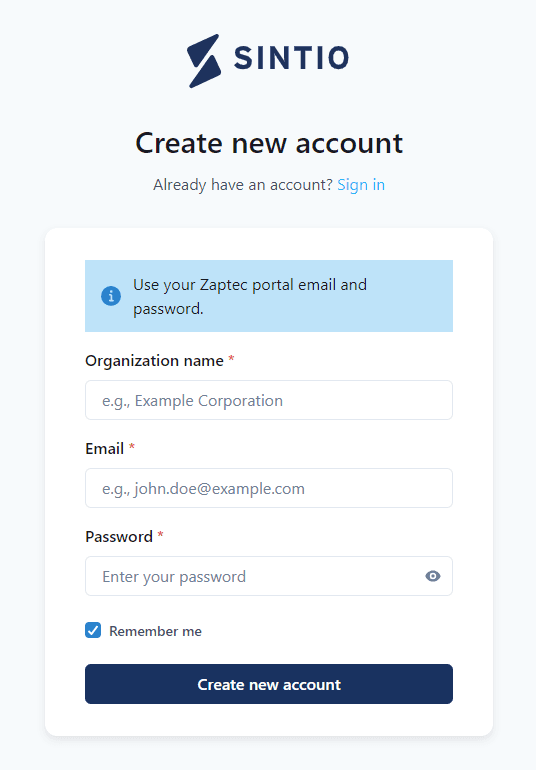
Open the address www.xlink.sintio.app/signup to sign up for the Xlink-Portal, where you can enter your credentials. Enter the name of your organization. If possible, use the same email login that you use on the Zaptec portal. If you don't have a Zaptec login, please use a general login (e.g., info@yourcompany.com) that can also be shared.
Add Chargers
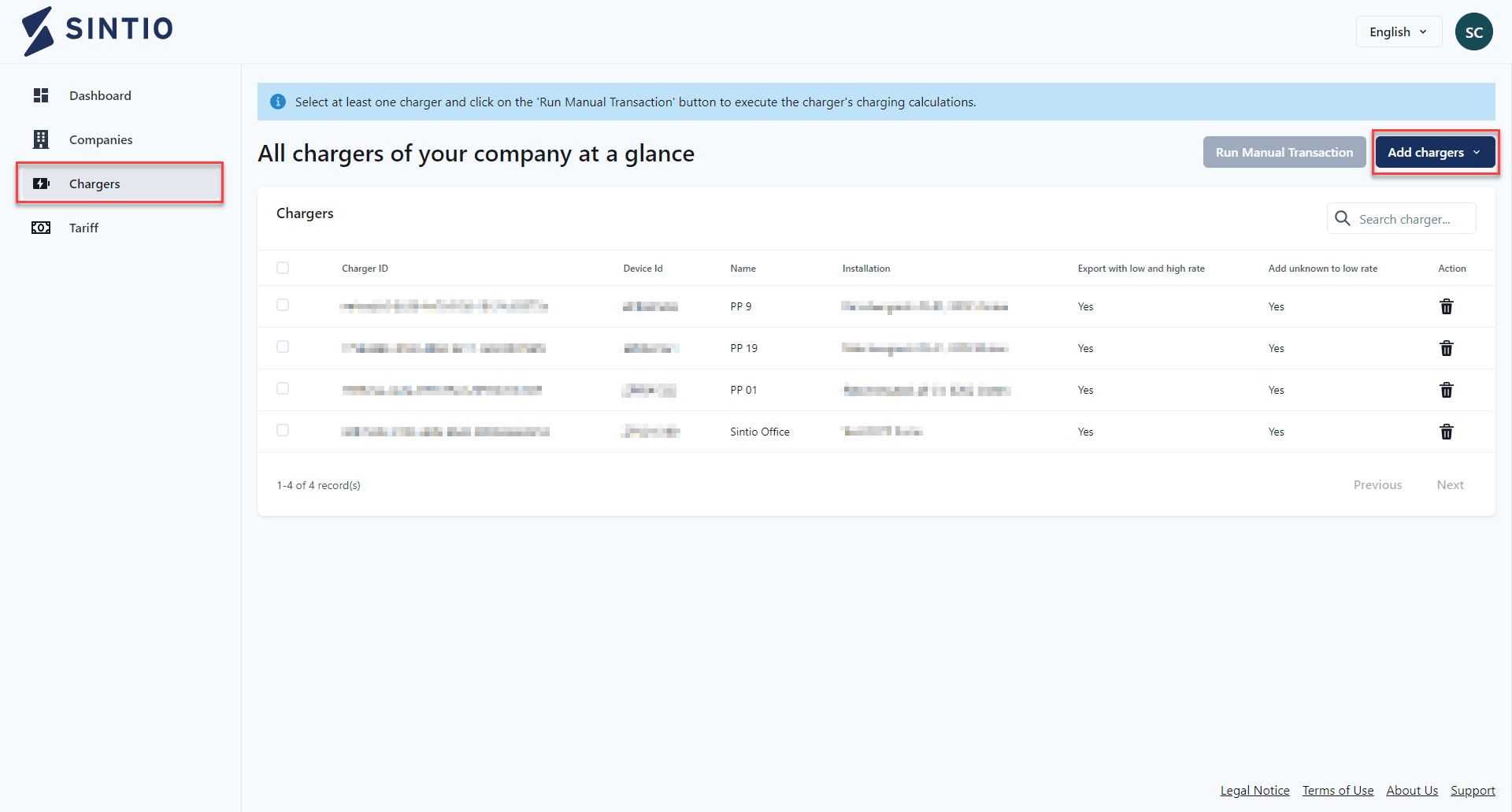
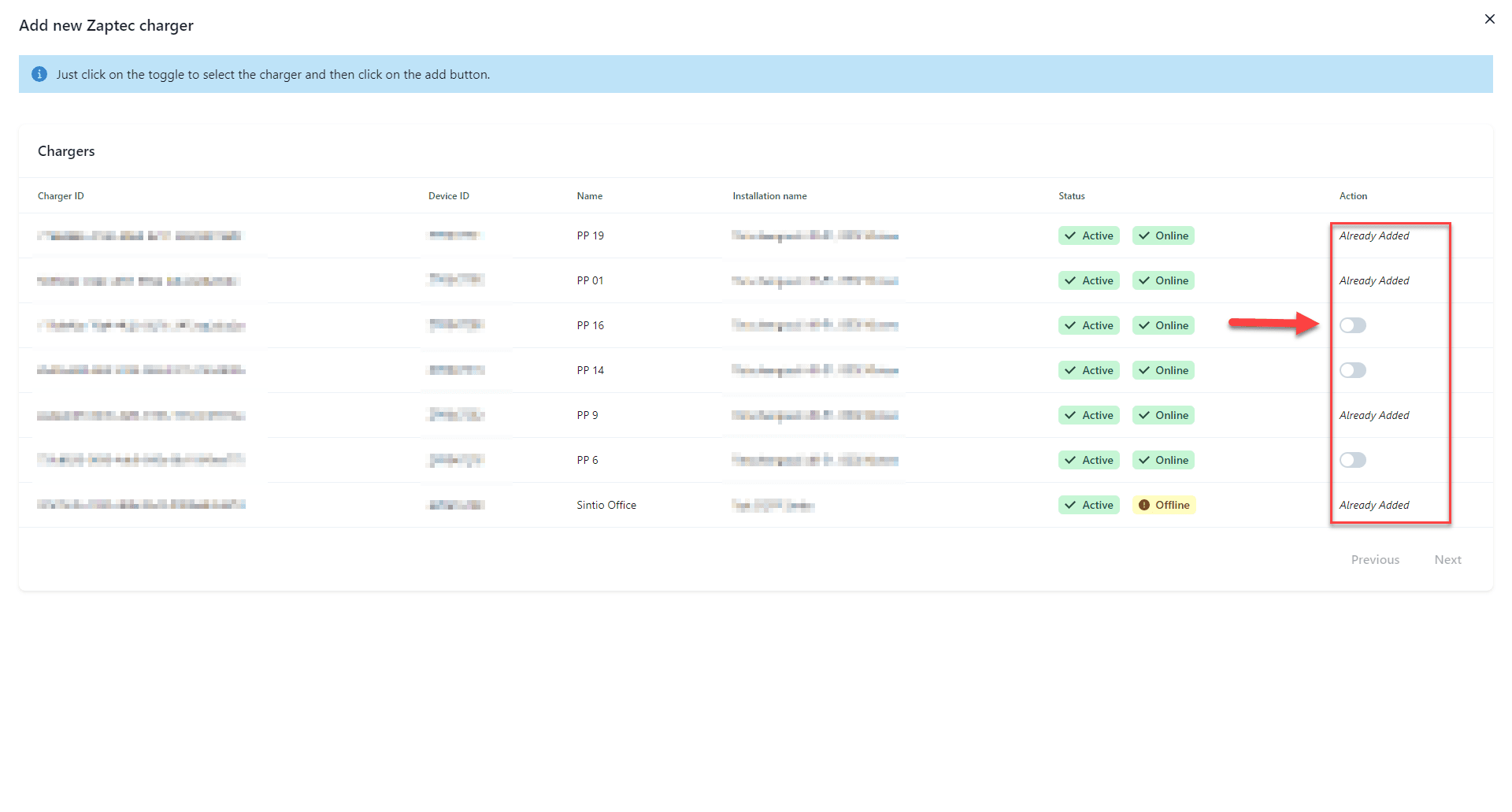
Next, you can add your charger. You can do this conveniently under the Chargers tab and using the Add chargers button. Choose between the options via Zaptec or manual addition.
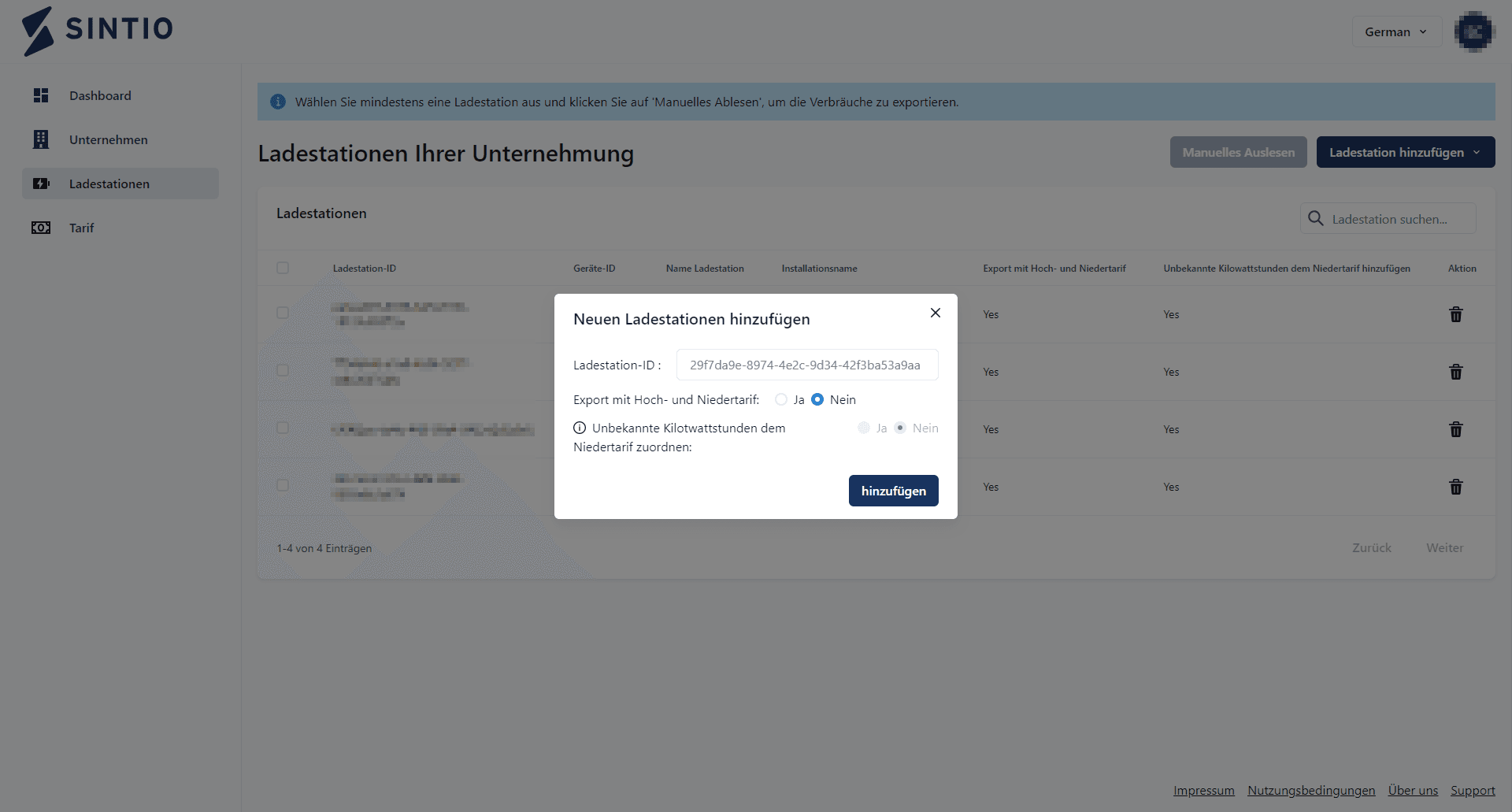
Read Charger Data
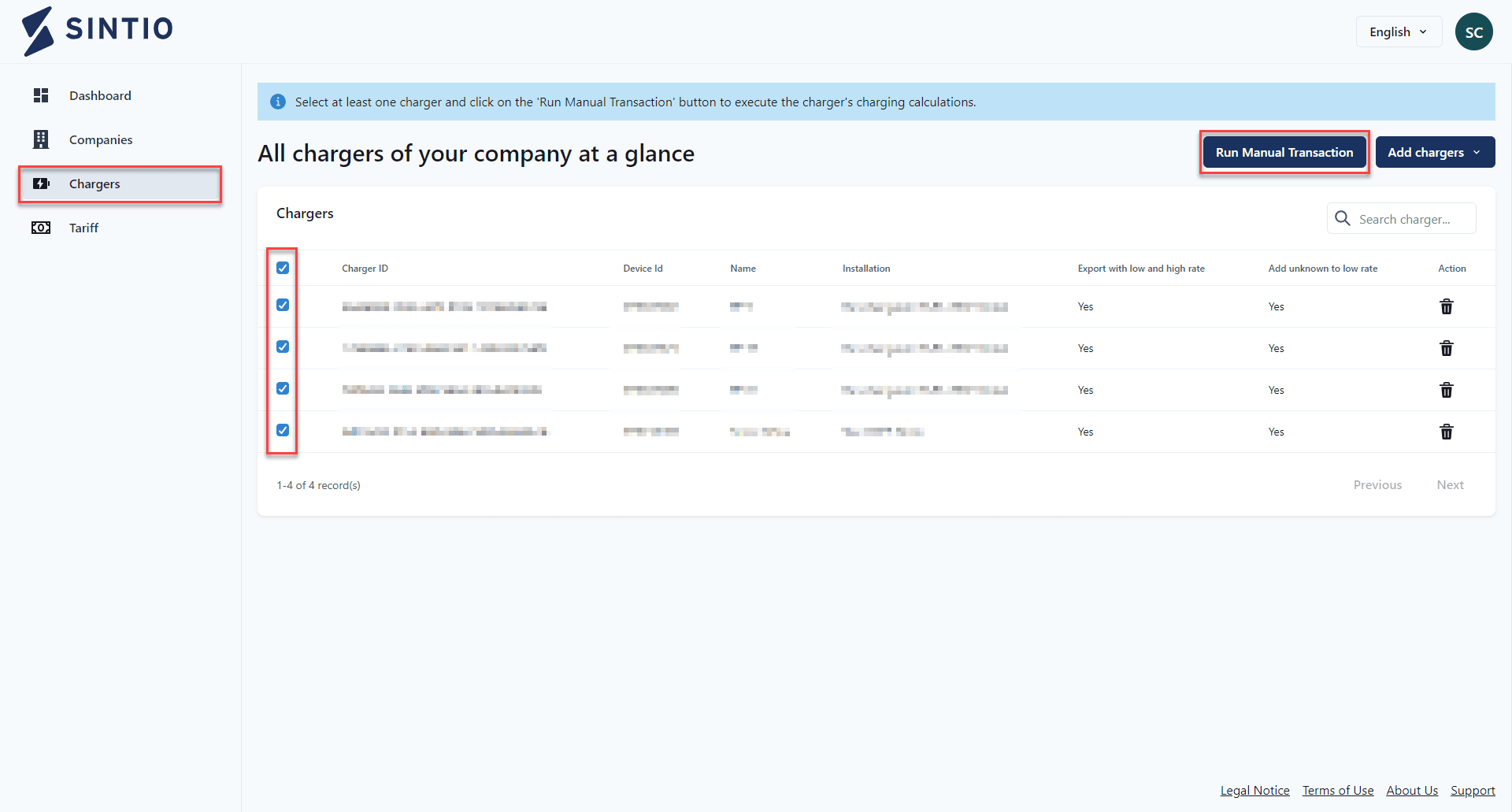
Once the chargers have been added, you can select them in the Chargers tab and manually read the data.